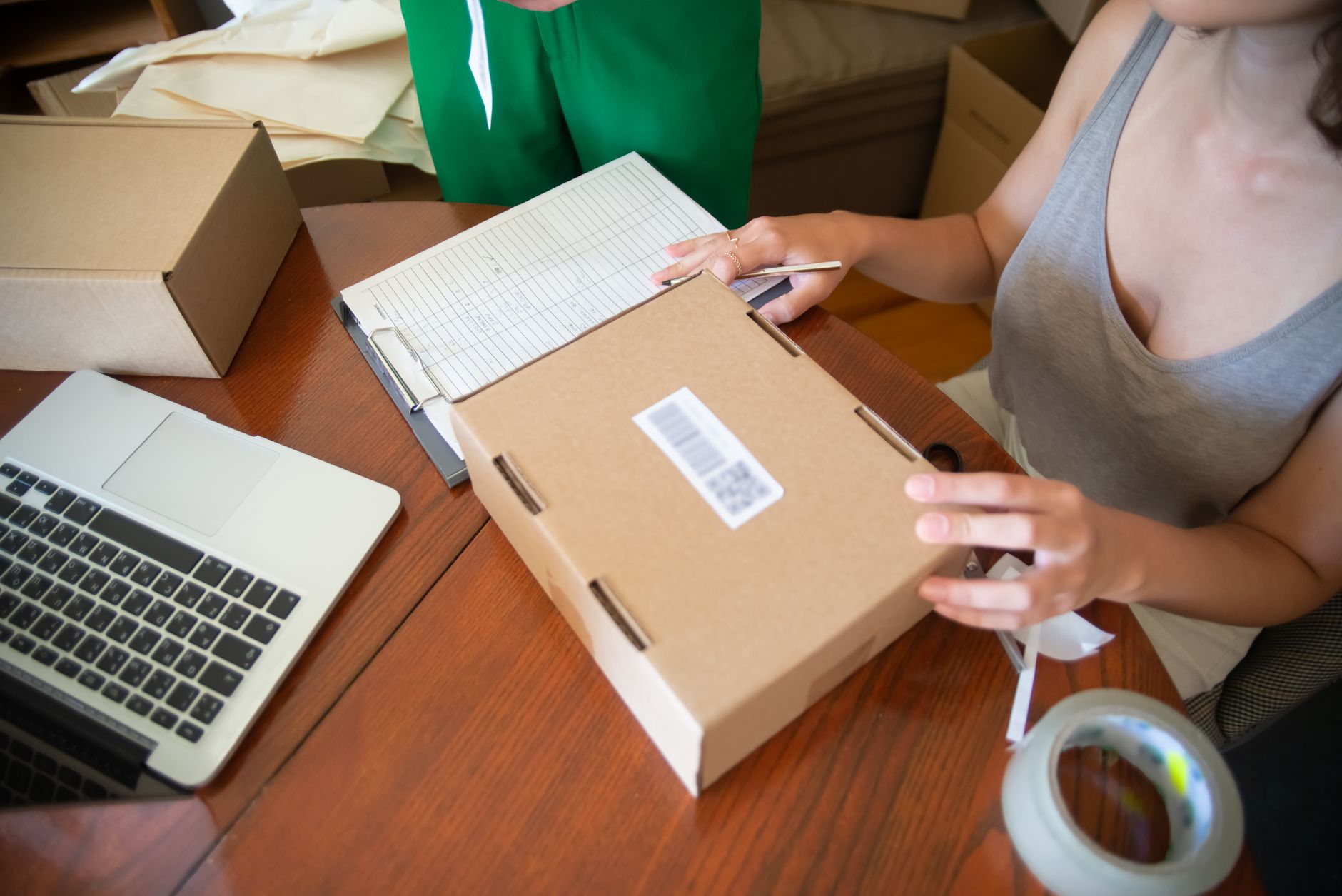
You finished packing the last order at 9pm, and now you are sat at the kitchen table copying tracking numbers into emails one at a time. Again. The orders are great news. The admin that comes with them is quietly eating your evenings.
Here is the thing most Etsy sellers never get told: almost none of that admin needs you. The confirmation email, the “your order is on its way” message, the spreadsheet update, the polite nudge for a review. A computer can do all of it the moment an order drops, and it will never forget or get the name wrong.
That is what the Make.com E-Commerce Pack is. A bundle of small automations that sit between your Etsy shop and the tools you already use, doing the boring parts so you can stay on the making. Let’s walk through what it does, what it saves, and how to set it up.

What is the Make.com E-Commerce Pack?
Make.com is a no-code automation tool. You connect your apps, drag a few steps onto a canvas, and it runs them in order whenever something happens. No coding, no developer, no monthly retainer to an agency.
The E-Commerce Pack is a collection of these ready-built workflows aimed squarely at Etsy and small online shops. Instead of staring at a blank Make canvas wondering where to start, you import a template, plug in your own shop and email account, and you are running in an afternoon.
Make connects directly to Etsy, so it can watch for new orders and then trigger actions across your other tools without any manual copy and paste, as Make’s own Etsy integration spells out. That direct link is what makes the whole thing reliable rather than fiddly.
Why do Etsy sellers lose so much time to admin?
Because almost all of them are doing it alone. There are around 8.1 million active Etsy sellers worldwide, and roughly 82% run their shop solo with 97% working from home. No team, no assistant, no one to hand the inbox to.
So every order becomes a little chain of manual jobs. Confirm it. Email the customer. Update the stock count. Print the label. Mark it dispatched. Send the tracking. Remember, a week later, to ask for a review. None of those tasks is hard. The problem is they repeat, dozens of times a week, and they all land on you.
Five hours a week does not sound like much until you do the maths. That is more than a full working day every month, gone on copy and paste. For a NZ side hustle trying to grow into something real, that day is the difference between launching new products and just keeping the lights on.
What does the pack actually automate?
The exact mix is up to you, but a typical E-Commerce Pack covers the four jobs that steal the most time:
- Order confirmations. The second a sale comes in, the customer gets a warm, branded email with their order details, no waiting on you.
- Dispatch and tracking updates. When you mark an order shipped, the tracking number goes out automatically, so the “where is my parcel” messages stop.
- Inventory logging. Every sale updates a running stock sheet, so you can see what is selling and what is running low before you sell out.
- Review requests. A few days after delivery, a friendly note asks for a review, which is the bit nearly everyone forgets to do by hand.

If you want to go deeper on any one of these, we have walked through them on their own. There is a full guide to automating your Etsy shop with Make.com, a piece on low stock alerts on autopilot, and a step by step on sending a personalised email every time someone orders. The pack is really these ideas bundled into one system that talks to itself.
How do you set up the E-Commerce Pack?
You do not build it from scratch. You import the template and point it at your accounts. Here is the order of play:
- Create a free Make.com account and import the E-Commerce Pack blueprint into a new scenario.
- Connect your Etsy shop when Make asks, then connect your email tool, whether that is Gmail, Outlook or your mailing list.
- Open the order confirmation step and swap in your own wording, shop name and any branding you want on the email.
- Connect a Google Sheet for inventory and let the scenario log one row per sale automatically.
- Set the review request to wait a few days after dispatch, then send your message.
- Run a test order, check each step turns green, then switch the scenario on so it runs every time a real order arrives.
The whole thing takes an afternoon the first time, less if you have touched Make before. After that you genuinely do not look at it. New order comes in, the system fires, your customer gets looked after, and your stock sheet stays current while you are off doing literally anything else.
Is it worth it for a small shop?
Honestly, the smaller you are, the more it is worth it. Big shops can hire help. A solo maker on the Hibiscus Coast cannot, so the automation is the help.
Make’s free plan covers a real volume of orders before you pay a cent, and even the paid tiers sit in single or low double digit NZD per month. Compare that to five hours of your time every week. If your time is worth even NZ$30 an hour, the pack is paying you back many times over from week one, and that is before you count the sales you win by replying instantly and the reviews you collect that you would otherwise never have asked for.
The part people underrate is consistency. A tired human forgets the review request and sends the dispatch email late. A scenario does it the same way, every single time, at 2am if that is when the order lands. Your shop starts feeling more professional than its size, and customers notice.
The honest take
We will be straight with you. Automation is not magic, and it will not fix a shop with no orders. If sales are not coming in yet, your time is better spent on photos, listings and getting found. The pack is for the moment when the orders are arriving and the admin has become the bottleneck.
But once you are past that point, hand the repetitive stuff to a machine without guilt. You did not start a handmade business to spend your nights pasting tracking numbers. Every hour the pack gives back is an hour for the work only you can do, the making, the designing, the bit you actually love.
Frequently asked questions
Do I need to know how to code to use the Make.com E-Commerce Pack?
No. Make is a no-code tool, and the pack comes as a ready-built template. You connect your accounts and edit the wording in plain English. If you can fill in an online form, you can run it.
Will it work with my Etsy shop specifically?
Yes. Make connects directly to Etsy and watches for new orders, so the automations trigger from your real shop activity. It works the same whether you sell digital downloads or physical handmade goods.
How much does it cost to run?
Make has a free plan that handles a useful number of orders each month. Paid plans start low, typically a few NZD a month, and you only move up when your order volume grows. For most small shops the free or starter tier is plenty.
Can I customise the emails so they sound like me?
Absolutely, and you should. Every message in the pack is editable. Swap in your shop name, your tone and your branding so customers get something that feels personal, not robotic.
What if something breaks or an order looks wrong?
Make keeps a log of every run, so you can see exactly what happened and when. You can pause the scenario any time, fix the step, and switch it back on. Nothing is hidden, and you stay in control.
How long until I actually save time?
From day one. The setup takes an afternoon, and the moment it is live every new order runs itself. Most sellers feel the difference within the first week as the manual emails simply stop landing on their list.
Related guides: What is Make.com and why everyone’s talking about it · Low stock alerts on autopilot · The NZ business owner’s AI starter guide
Ready to get your evenings back?
You do not have to figure out Make.com from a blank canvas or wire every step yourself. We set up the E-Commerce Pack for NZ shops so it is running, tested and matched to how you actually work.
Want it done for you? See how Overcomers AI can set up your E-Commerce Pack and hand back 5+ hours a week.
Leave a Reply